Lore is a digital services and products company
Based in San Francisco, we figure out what’s possible with AI to deliver results for our users and clients.
Digital marketing
No monthly fees. We pay for your Google and Meta ads, and you only pay for results. Our San Francisco team builds a strategy for your business and updates your website and Google Business Profile at no extra cost.
Services:Ads managementLocal SEO
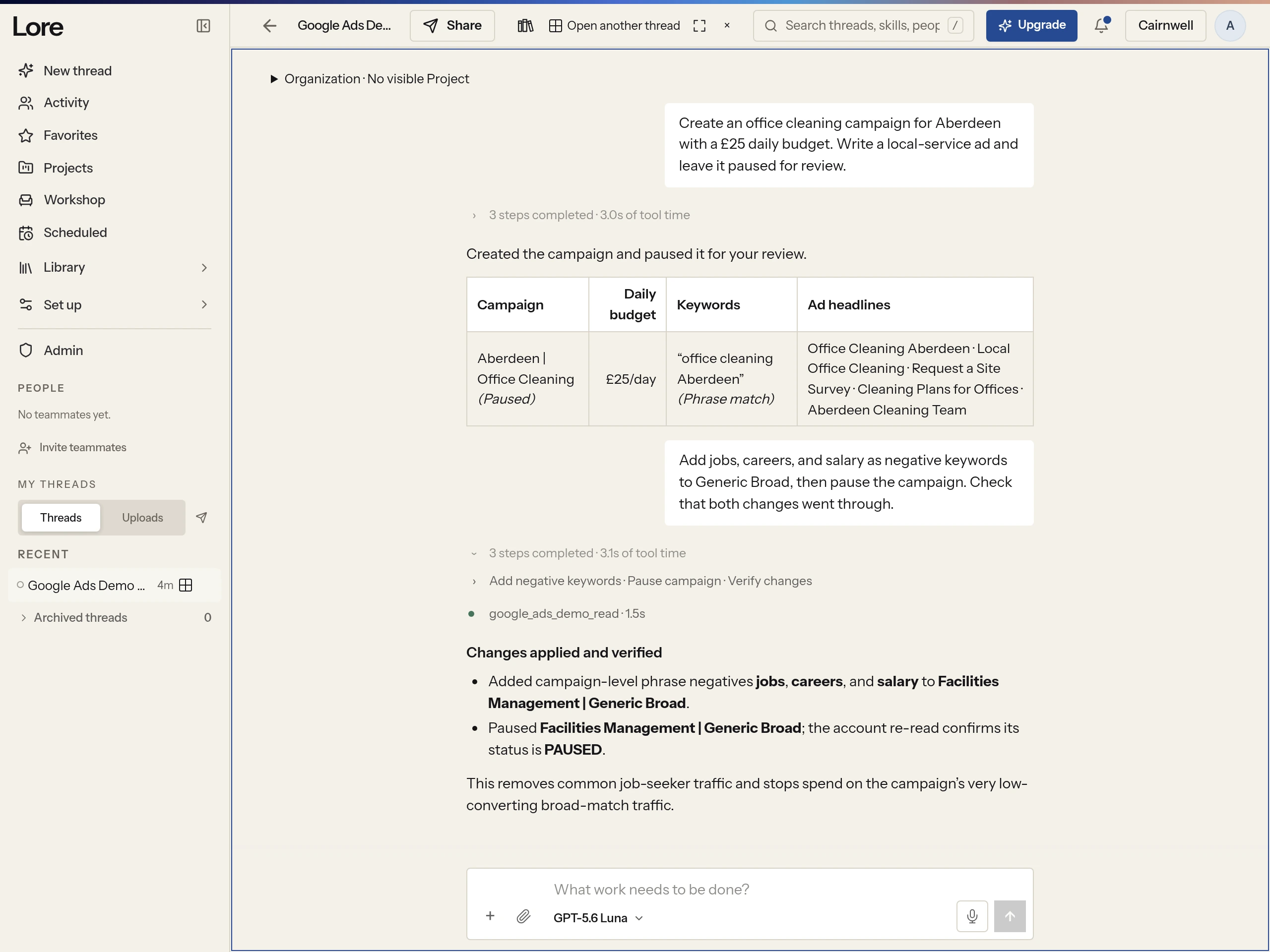
Team-first workbench
Run AI agents on the web or your Mac. Sessions are shared with your workspace by default, so teammates can see work in progress, reuse each other’s skills, and comment on what the agents make.
Make something worth sharing.
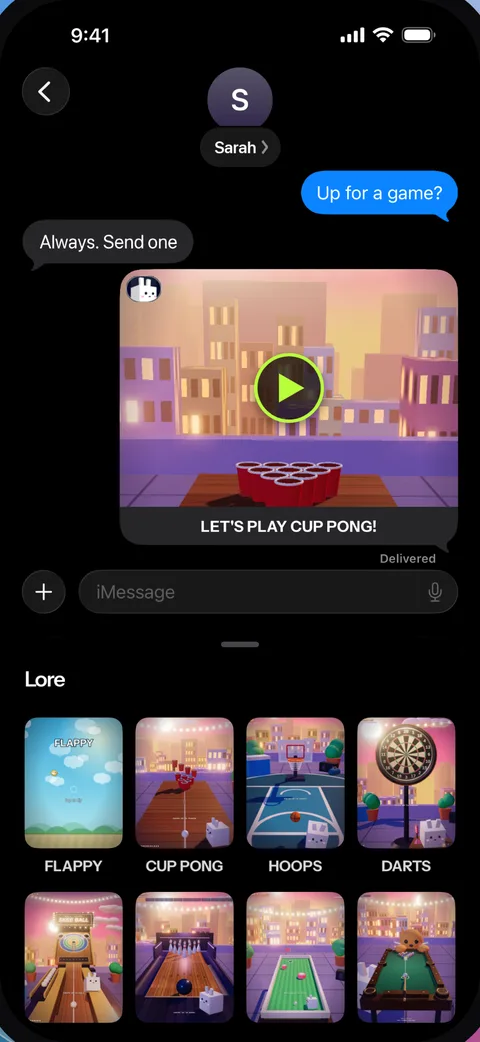
Make a mini game just by describing it. Type an idea, and Lore builds it in seconds. Then play it, tweak it, and send it to a friend.



Something under wraps.
We are building it now.